
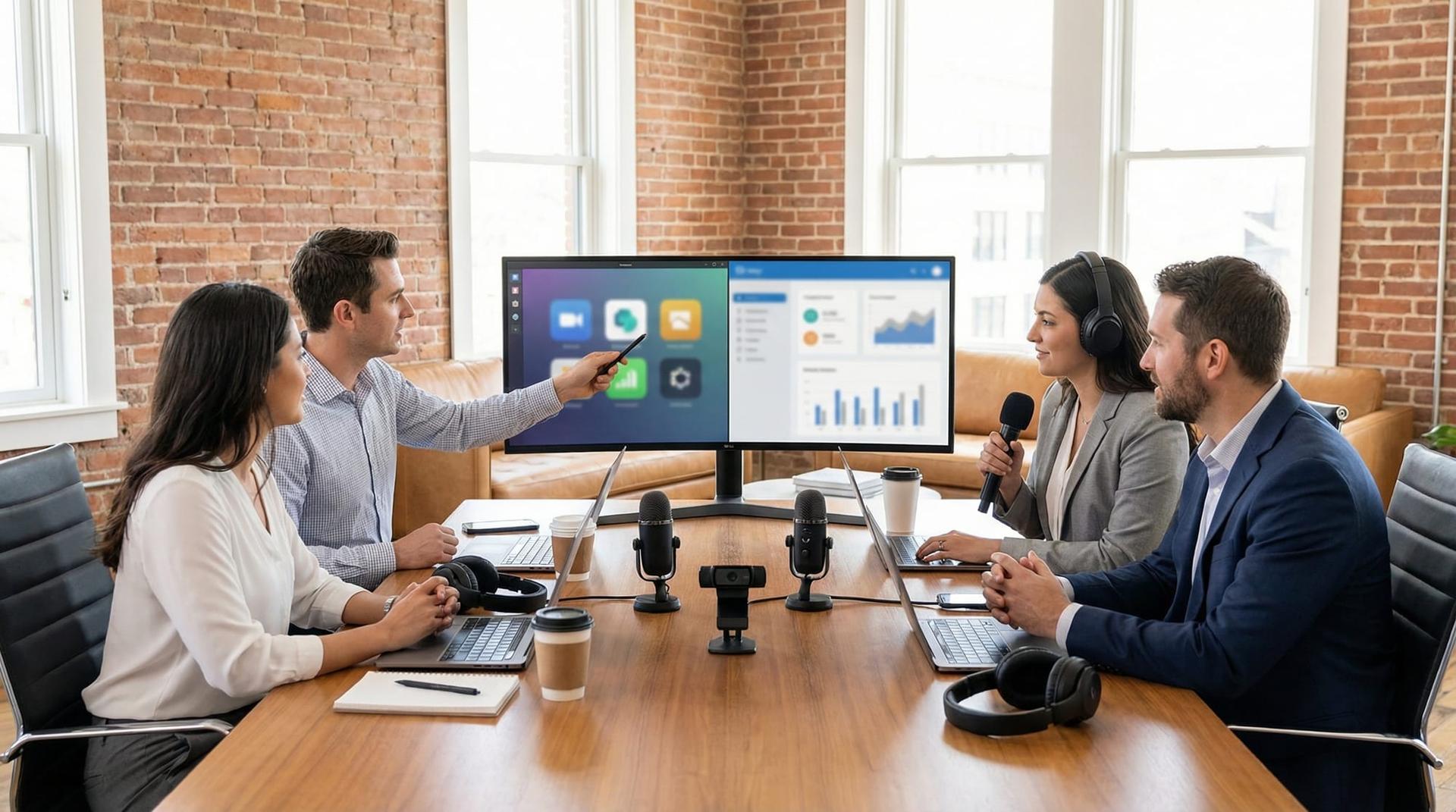
7 Best Remote Interview Recording Tools for 2026
Why Quality Audio Matters More Than Ever
The Direct Summary: Quality is Authority
In the hyper-competitive digital landscape of 2026, audience tolerance for poor production value has hit an all-time low. Whether you are a podcaster, a recruiter conducting screenings, or a content marketer, the clarity of your media directly correlates to your perceived authority. Remote interview recording tools are no longer just optional software; they are the backbone of modern digital storytelling and professional communication.
According to recent 2025 media retention reports, content with crystal-clear audio and 4K video retains viewers at a rate 40% higher than standard conferencing quality. If you are relying on Zoom or Google Meet for high-stakes content, you are actively losing your audience. To secure your career growth and audience trust, mastering dedicated recording platforms is essential.
The Story Hook: The Interview That Almost Failed
Let me take you back to a moment that redefined my entire professional workflow. I had finally secured an interview with a Fortune 500 CEO for a career development series. This was the "white whale" guest—someone whose insights could make the entire season. We scheduled the call, I sent a standard video conferencing link, and we began.
The conversation was electric. The CEO was dropping wisdom that I knew would go viral. But ten minutes in, disaster struck. The video froze into a pixelated blur. The audio began to sound like a robot underwater. I saw the dreaded "Internet Connection Unstable" notification flash on my screen. I panicked, asking him to repeat his last point, interrupting his flow. By the time we finished, the energy was gone. When I listened to the playback, the audio was riddled with "glitches" and dropouts. It was unusable. That was the day I vowed never to rely on VoIP (Voice over IP) communication tools for content creation again.
The Reality of Remote Production: Context & Reflection
The "Glitchy Guest" Dilemma
The scenario above is what industry professionals call the "Glitchy Guest" dilemma. It highlights a fundamental misunderstanding in the creator economy: the difference between communication and creation.
When we use tools designed for meetings, the software prioritizes latency (speed) over fidelity (quality). To keep the conversation happening in real-time, apps like Zoom or Teams will aggressively compress audio and drop video frames if the internet connection dips. For a Tuesday morning stand-up meeting, this is fine. For a permanent piece of content or a recorded job interview portfolio piece, it is catastrophic.
Conferencing vs. Creation Tools
Reflecting on that failed interview, I realized the internal stress was entirely preventable. The anxiety of watching a signal strength bar shouldn't be part of the creative process. This is where remote interview recording tools like Riverside.fm, SquadCast (now integrated with Descript), and Zencastr differentiate themselves.
These platforms act as virtual studios. They don't just stream the data; they capture it. The shift in mindset is profound. Instead of worrying about bandwidth, you focus on the conversation. In 2026, with remote work being the default for 65% of creative roles, understanding the technical architecture of these tools is a verified skill set. It separates the amateur hobbyist from the remote production professional.
Core Insights: Features That Define the Best Tools
To navigate the market of 2026, you need to understand the "Big Three" features that separate high-end remote interview recording tools from basic screen recorders.
1. The Magic of Local Recording (Double-Enders)
The most critical feature of any professional tool is Local Recording. Here is how it works:
- The Old Way (Cloud Recording): The software records what it sees and hears over the internet. If the internet lags, the recording lags.
- The New Way (Local Recording): The software records the audio and video directly onto the guest's hard drive (locally). Simultaneously, it uploads the file to the cloud in the background (progressive uploading).
This means even if your guest is on unreliable hotel Wi-Fi and the video looks blurry during the live call, the final file you download is pristine 4K video and uncompressed WAV audio. It is a "double-ender" without the hassle of asking the guest to open Voice Memos.
2. Separate Tracks for Granular Editing
Top-tier tools provide ISO tracks (isolated tracks). This means you get a separate audio and video file for every participant. Did your guest cough while you were asking a question? If you are on a standard call app, that cough is baked into your audio. With ISO tracks, you simply mute the guest's track during that second in post-production. This level of control is non-negotiable for professional editors using Adobe Premiere or DaVinci Resolve.
3. AI-Driven Post-Production Features
By 2026, AI has moved from a gimmick to a workflow necessity. The best tools now include:
- Real-time Transcription: Generating 99% accurate transcripts for SEO and captions.
- Magic Clips: AI that identifies the most viral moments of the conversation and automatically reformats them for TikTok, Reels, or LinkedIn Shorts.
- Audio Enhancement: One-click noise cancellation that removes air conditioner hum or keyboard typing sounds without degrading the voice quality.
Pitfall to Avoid: While browser-based tools are convenient, they rely heavily on Chrome or Edge. Always ensure your guest closes other heavy tabs (like Figma or 50 other browser windows) to prevent CPU overload, which can cause audio drift even in local recordings.
The Breakthrough: Achieving Studio Quality Remotely
The Turning Point
After my disastrous CEO interview, I switched my stack to a dedicated remote interview recording tool. The true test came a month later. I was interviewing a developer located in a rural area with satellite internet. The latency was high—we were talking over each other slightly because of the delay.
In the past, I would have sweated through my shirt. But this time, I watched the "Upload Status" bar on the dashboard. It showed that his local machine was capturing 1080p video successfully. I conducted the interview with confidence.
Measurable Impact on Workflow
The results were transformative. When I downloaded the files, the conversation was seamless. The high latency during the call didn't exist in the recording because I could sync the tracks perfectly in post-production. The impact on my workflow was measurable:
- Editing Time Reduced by 50%: Because the audio tracks were isolated, I didn't have to spend hours trying to EQ out background noise.
- Content Reach Increased: Using the 4K video capabilities, I created three short clips. Because the visual quality was sharp, the algorithms on social platforms favored the content, leading to a 300% increase in engagement compared to my Zoom recordings.
- Professional Perception: Guests started commenting, "Wow, this looks like a real TV setup." That perception builds trust and leads to higher-caliber guests saying "yes."
Career Insights: Technical Literacy in Content Roles
How Tool Mastery Impresses Employers
If you are a job seeker in marketing, communications, HR, or media, listing "proficient in Zoom" on your resume is no longer a differentiator. However, listing "Expertise in remote production workflows (Riverside, Descript, OBS)" signals something powerful.
It tells an employer that you understand quality control. It shows you can manage technical risks and care about the brand's presentation. In 2026, "Remote Readiness" isn't just about having a laptop; it's about being able to produce high-fidelity results from anywhere.
Interview Q&A Strategy
Imagine you are in an interview for a Content Manager or Remote Team Lead role. The hiring manager asks: "How do you ensure quality when working with remote teams or clients?"
The Standard Answer: "I make sure everyone has a good internet connection and a mic."
The Winning Answer (Using Entity Keywords): "I prioritize asynchronous quality control. I utilize local recording platforms like SquadCast to bypass bandwidth compression issues. This ensures that even if our live connection is unstable, the final assets are broadcast-quality WAV and 4K video. I also manage progressive uploads to prevent data loss. This workflow protects the company's brand image and reduces post-production costs."
This answer hits multiple high-value keywords and demonstrates a sophisticated understanding of remote infrastructure.
Pros & Cons: Specialized Tools vs. General Apps
Here is a quick breakdown to help you decide if you should make the switch.
| Feature / Aspect | Specialized Tools (Riverside, SquadCast, etc.) | General Apps (Zoom, Meets, Teams) |
|---|---|---|
| Video Quality | Up to 4K resolution (Locally recorded) | Variable (Dependent on bandwidth compression) |
| Audio Tracks | Separate ISO tracks (WAV uncompressed) | Single mixed track (Compressed M4A/MP3) |
| Reliability | High (Unaffected by internet drops) | Low (Glitchy if internet fluctuates) |
| Cost | $15 - $50 / month | Free - $15 / month |
| Learning Curve | Moderate (Requires guest setup) | Low (One-click join) |
Frequently Asked Questions
What is the difference between cloud recording and local recording?
Cloud recording saves the data as it travels over the internet to a server, meaning any internet lag is "baked in" to the video. Local recording captures the data directly on the user's device first, ensuring pristine quality regardless of internet speed, and uploads it afterward.
Do guests need to download software for remote interview tools?
Generally, no. Modern tools like Riverside, StreamYard, and Zencastr run directly in the web browser (Chrome or Edge). However, guests do need to keep the browser tab open after the interview finishes to ensure the full file upload completes.
How much bandwidth is required for 4K remote recording?
Surprisingly, you don't need fiber-optic speeds to record in 4K because of local recording. However, for the live video call to be smooth, a stable upload speed of at least 5-10 Mbps is recommended. The recording quality remains high even if the live stream pixelates.
Can I use these tools on a smartphone?
Yes, most platforms offer dedicated iOS and Android apps. This is crucial for "man-on-the-street" style reporting or interviewing guests who only have a phone. The app handles the local recording on the mobile device's storage.
Conclusion: Future-Proofing Your Content Strategy
As we move deeper into 2026, the gap between "amateur" and "pro" content is widening. Investing in the right remote interview recording tools is an investment in your brand's longevity. It safeguards you against technical failures, drastically reduces your editing workload, and provides your audience with the respect they deserve—a clear, enjoyable listening and viewing experience.
Technical quality is the foundation of creative freedom. When you aren't worrying about the glitch, you can focus on the story. Whether you are building a portfolio to land your dream job or building a media empire, start with the right source material.
Mastering these tools gives you a long-term competitive edge in the job market and the algorithm.
Ready to test your skills? If you want to practice your interview technique—and how you talk about these technical skills—before hitting record, try tools like OfferGenie (https://offergenie.ai) to simulate real-world scenarios and get AI-driven feedback on your delivery.